



AI-Native, Distributed, Interactive, and Scalable Digital Television
Introduction
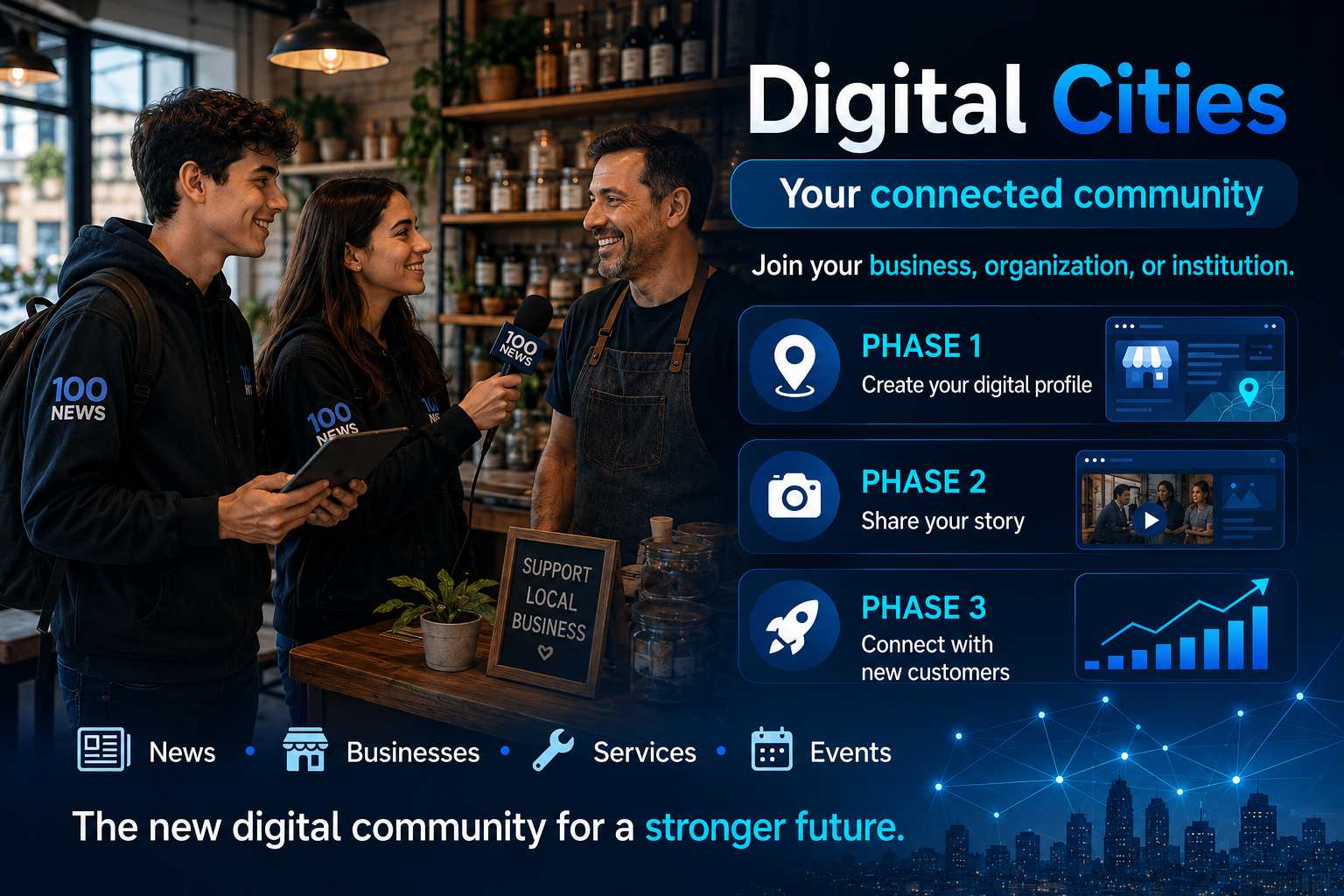
Omnimedia TVWeb is the audiovisual layer of the Omnimedia 100 News ecosystem.
Its mission is to transform journalists, media organizations, institutions, businesses, content producers, and communities into a distributed network of digital television channels capable of informing, educating, entertaining, and monetizing audiovisual content—without depending, during its initial stages, on the expensive infrastructure traditionally associated with broadcast television.
Omnimedia TVWeb should not be understood simply as a webpage that plays YouTube videos.
Its architecture is designed for something much more ambitious:
To transform dispersed audiovisual content into an organized, searchable, programmable, customizable, and fully interconnected television experience integrated with each city’s information ecosystem.
Omnimedia TVWeb integrates:
- Video news
- Interviews
- Documentaries
- Thematic programs
- Live broadcasts
- Cultural productions
- Educational content
- Authorized film content
- Audiovisual archives
- Journalist channels
- Institutional channels
- Corporate media
- City-based programming
- Distribution across social media and external platforms
Television is no longer a single broadcast signal delivered to a passive audience.
Instead, TVWeb becomes an interactive network of audiovisual experiences where every user can decide:
- What to watch
- Which journalist to follow
- Which city to explore
- Which producer to support
- Which subjects interest them most
1. A New Television Paradigm
Traditional television follows a linear model:
Channel
↓
Fixed Programming Schedule
↓
Mass Audience
↓
Advertising Revenue
Omnimedia TVWeb introduces a fundamentally different architecture:
Integrated Ecosystem
↓
Multiple Digital Channels
↓
Live Programming + On-Demand Content
↓
Specialized Communities
↓
Distributed Monetization
In traditional television, viewers receive a schedule determined entirely by the broadcaster.
With Omnimedia TVWeb, viewers can instead:
- Watch continuous programming
- Select individual programs
- Browse by category
- Follow specific journalists
- Explore thematic channels
- Switch between cities
- Watch related interviews
- Resume previous viewing sessions
- Read the accompanying article
- Listen to the audio version
- Learn about the author
- Visit businesses or institutions mentioned in the program
The experience combines two complementary viewing models.
Linear Television
A continuously scheduled stream that automatically plays programmed content.
On-Demand Television
A searchable catalog where viewers select exactly what they wish to watch.
Both formats play strategic roles.
Continuous programming creates the feeling of an active television channel.
On-demand viewing provides flexibility, personalization, and deeper engagement.
2. The Role of Omnimedia TVWeb Within the Ecosystem
Omnimedia TVWeb is not designed as a standalone product.
It is fully integrated with:
- City News Radar
- AI Journalist Network
- Omnimedia Radio
- Journalist Portals
- GenAcademy
- Innovation Hubs
- Local businesses
- Companies
- Institutions
- Digital Cities
- Social media platforms
- External video services
Its central purpose is to maximize the value of every audiovisual production.
A single recorded interview may simultaneously become:
- A complete TVWeb program
- A written article
- An executive summary
- A radio segment
- Social media clips
- Educational material
- A thematic archive entry
- A profile linked to the interviewee
- Research material
- A source of structured territorial intelligence
TVWeb therefore serves as one of the ecosystem’s primary engines for content repurposing.
3. Audiovisual Content as a Structured Knowledge Asset
Within Omnimedia TVWeb, every video is much more than a playable media file.
Each production functions as a structured audiovisual knowledge asset.
Every content item may include metadata such as:
- Title
- Description
- Author
- Journalist
- Producer
- Category
- City
- Publication date
- Duration
- Thumbnail
- Source
- Language
- Subtitles
- Keywords
- External links
- Related content
- Audio version
- Transcript
- Executive summary
- Sponsorship information
- Editorial status
- Usage permissions
This structured architecture allows a single video to appear throughout multiple sections of the ecosystem without creating duplicate copies.
For example, an interview about the maritime industry may simultaneously appear on:
- The City TVWeb homepage
- The journalist’s personal channel
- The Port category
- The Business section
- The Innovation Radar
- The featured company’s profile
- The Interview Archive
- The International Channel if it has export relevance
Content structure enables intelligent distribution throughout the platform.
4. Initial Programming Architecture
The first implementation of Omnimedia TVWeb may organize programming around blocks of approximately 24 content items per page or channel.
This approach creates a television-like experience without requiring continuous live broadcasting.
Each page may represent:
- A television channel
- A thematic category
- An individual journalist
- A city
- A subject area
- An institution
- A specific programming schedule
Examples include:
- City News
- Culture
- Sports
- Tourism
- Business
- Innovation
- Documentary Channel
- AI Journalist TV
- Port Channel
- Neighborhood Channel
- GenAcademy TV
Twenty-four videos may represent an entire day’s programming when each block averages approximately one hour, although shorter and longer productions can naturally be combined.
Programming remains highly flexible.
Schedules may include combinations of:
- Long-form programs
- Interviews
- News summaries
- Short clips
- Documentaries
- Live broadcasts
- Music programming
- Educational productions
5. Trailer-Style Navigation
One distinctive feature of Omnimedia TVWeb is its trailer-style browsing experience.
Rather than displaying simple lists of video links, the platform may present:
- Featured preview images
- Automatic preview playback
- Brief descriptions
- Duration
- Category
- Author
- Playback controls
- Suggested next content
- Related recommendations
Users may:
- Play
- Pause
- Skip forward
- Move to the next program
- Return to previous content
- Switch to full-screen viewing
- Save favorites
- Share content
- Read the related article
- Visit the journalist’s personal channel
This trailer-style navigation creates a more immersive and editorially curated viewing experience than a traditional grid of hyperlinks.
6. Popup Playback and Integrated Media Viewer
Popup playback allows users to remain within the Omnimedia portal while viewing audiovisual content.
Instead of redirecting visitors to an external platform, selecting a program opens an integrated media viewer that:
- Plays the selected video
- Displays related information
- Allows navigation to the next program
- Recommends related content
- Preserves access to the site’s navigation menu
This approach offers several advantages:
- Lower exit rates
- Continuous browsing
- A platform-like viewing experience
- Longer user engagement
- Better advertising integration
- Personalized recommendations
The media viewer should always be:
- Fast
- Mobile-friendly
- Accessible
- Easy to close
- Stable
- Non-intrusive
For SEO, archiving, and accessibility purposes, every audiovisual item should also have its own dedicated content page.
7. The Omnimedia TVWeb Management Plugin
The platform should simplify content management through a dedicated administration plugin or module.
Its objective is to allow media operators to publish audiovisual content without requiring programming knowledge.
The management interface may include the following sections.
Basic Information
- Title
- Video URL
- Description
- Thumbnail
- Category
- Channel
- Journalist
- City
- Publication date
- Duration
Content Organization
- Display order
- Programming block
- Page assignment
- Publication status
- Featured content
- Next program
- Related content
Distribution
- Main portal
- Personal channel
- Social media
- Newsletter
- Radio
- Mobile application
Monetization
- Advertising block
- Sponsor
- Campaign
- Commercial link
- Premium or free access
Accessibility
- Subtitles
- Transcript
- Language
- Alternative audio
- Visual description
Using this system, an operator simply pastes a video link, and the platform automatically generates the complete audiovisual content profile.
8. YouTube Integration
During the initial stages, YouTube can serve as the primary hosting and global distribution infrastructure.
This provides significant advantages:
- Low operating costs
- High reliability
- Worldwide scalability
- Adaptive streaming
- Automatic subtitles
- Analytics
- External monetization
- Organic discovery
- Excellent mobile compatibility
Each journalist may maintain an independent YouTube channel.
A typical production workflow may be:
Record the program.
↓
Upload the video to YouTube.
↓
Complete the description and references.
↓
Paste the video link into the Omnimedia TVWeb Plugin.
↓
Publish on the journalist’s portal.
↓
Distribute through TVWeb.
↓
Generate derivative content.
Every YouTube description should include links directing viewers back to:
- The journalist’s portal
- The City Digital portal
- The complete written article
- Source references
- Community pages
- Membership programs
- Related content
YouTube provides global visibility.
The Omnimedia portal preserves editorial identity, context, archives, and direct monetization opportunities.
9. Multi-Platform Distribution Strategy
Omnimedia TVWeb is designed for distribution across multiple digital environments.
Official Portal
The central destination for identity, archives, and complete viewing experiences.
YouTube
Video hosting, global discovery, and audience growth.
Community engagement and local audience distribution.
Short clips, Reels, visual storytelling, and promotional content.
TikTok
Discovery among younger audiences through short-form video.
X
Breaking news, highlights, and real-time updates.
Telegram and WhatsApp
Direct communication channels for communities and subscribers.
Newsletters
Curated selections of featured audiovisual content.
The objective is not to publish identical content everywhere.
Instead, every production should be adapted according to the destination platform.
Possible adaptations include:
- Horizontal video
- Vertical video
- Short-form versions
- Full-length programs
- Subtitled editions
- Custom thumbnails
- Platform-specific headlines
- Direct links
This strategy maximizes both audience engagement and platform effectiveness.
10. AI-Native Audiovisual Production
Artificial Intelligence significantly expands audiovisual production capacity.
AI can support every stage of production.
Pre-Production
- Defining editorial focus
- Preparing interview questions
- Background research
- Script organization
- Story structure
- Production planning
Production
- AI-assisted teleprompters
- Real-time translation
- Audio monitoring
- Segment recognition
- Live production assistance
Post-Production
- Automatic transcription
- Subtitle generation
- Audio cleanup
- Silence removal
- Highlight detection
- Short clip creation
- Title suggestions
- Executive summaries
- Chapter generation
- Video descriptions
- Multilingual translation
Distribution
- Social media adaptation
- Publication scheduling
- Tag generation
- Content recommendations
- Classification
- Personalized delivery
Artificial Intelligence dramatically reduces repetitive production tasks.
Editorial supervision, however, must always remain under human control.
11. From Video to Text, Audio, and Structured Data
Every audiovisual production can generate value far beyond the original video.
Video to Text
A single video may produce:
- Complete transcript
- News article
- Executive summary
- Quotations
- Headlines
- Frequently Asked Questions
Video to Audio
The same production may become:
- Podcast episode
- Radio segment
- Audio summary
- Long-term archive
Video to Social Media
Derivative content may include:
- Short clips
- Reels
- Stories
- Carousels
- Social posts
Video to Territorial Intelligence
Each production may also contribute structured knowledge by identifying:
- Topics
- Community needs
- Stakeholders
- Businesses
- Neighborhoods
- Opportunities
- Emerging trends
Audiovisual production therefore becomes a cross-functional strategic asset supporting journalism, education, research, innovation, and territorial intelligence.
12. Journalist Television Channels
Every journalist within the network may operate an independent TVWeb channel.
Their channel may include:
- Interviews
- Original programs
- Reports
- Editorial commentary
- Documentaries
- Live coverage
- Audiovisual archives
- Thematic series
Each channel may also include:
- Personal branding
- Visual identity
- Programming schedule
- Sponsors
- Membership options
- Advertising
- Community engagement
- Performance analytics
The journalist does not disappear behind the umbrella brand.
Instead, they retain their own professional identity while benefiting from the visibility, technology, and collaborative reach provided by the Omnimedia TVWeb network.